Teleportation and JavaScript: The Science of Serialization and Deserialization
I am a developer who likes to share his learnings in the form of blogs and social media posts. I already have the knowledge of machine learning concepts and to make complete end-to-end applications, I am learning Web Development
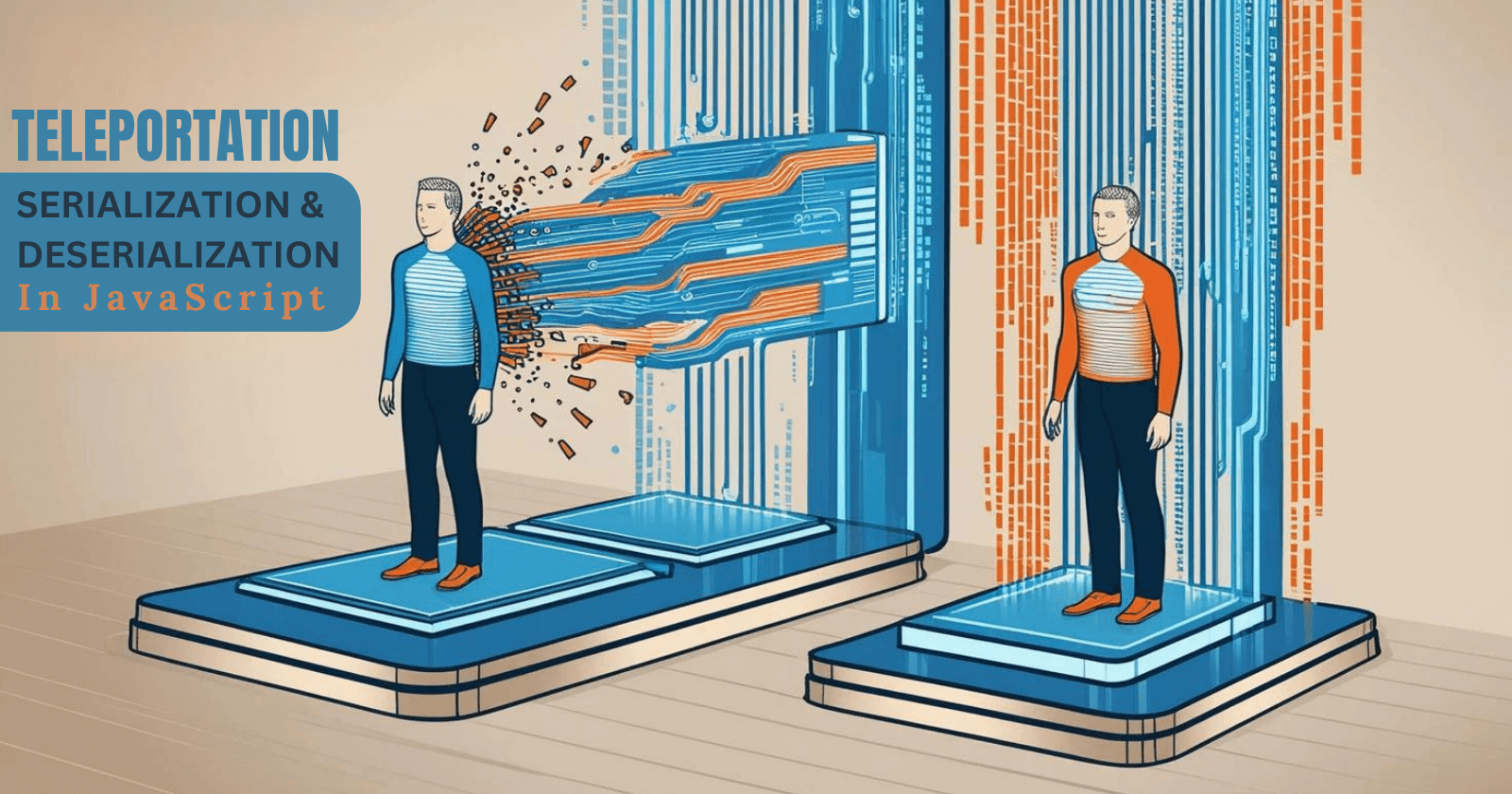
Imagine a future where teleportation is real. How would it work? Well, it is not much different from how JavaScript handles serialization and deserialization. Before we teleport an object (any item or human being), we need to convert it to a transferable format (serialize), and then at the destination, we need to reconstruct it (deserialize). Let's dive into this fascinating analogy to understand serialization and deserialization in detail.
Teleportation: The Ultimate Data Transfer
In teleportation, think of our body as a complex JavaScript object. It has properties like name, age, hobbies, etc. But to teleport this object from one place to another, we can’t just send it as it is. To do so, we need to convert this object or body into a transferable format. This is where Serialization comes in.
Serialization: Breaking it Down
Serialization is like dismantling process in teleportation. It takes your complex JavaScript object and converts it into a simpler, more portable format, usually a string like object. In JavaScript, the most common format for serialization is JSON (JavaScript Object Notation). JSON is like a universal language of teleportation, it is easy to understand and works on different platforms.
Here’s how it works:

//Your body as JavaScript object
const person = {
    name: "Aqib Ansari",
    age: 20,
    hobbies: ['coding', 'roaming', 'sleeping'],
    contact: {
        email: "aqibansari72a@gmail.com",
        phone: 8591738255,
    }
}

// Serialization: Dismantling the person
const jsonString = JSON.stringify(person)
console.log(jsonString)
// Output: {"name":"Aqib Ansari","age":20,"hobbies":["coding","roaming","sleeping"],"contact":{"email":"aqibansari72a@gmail.com","phone":8591738255}}
In above example JSON.stringify() methods acts as a teleportation chamber, breaking down the person object into a JSON string. This string is like a stream of particles that can be transmitted across the network easily or store in the database for future transmission.
Deserialization: Rebuilding at the Destination
Once the serialized data reaches its destination, it needs to be reassembled into its original form. This is where deserialization comes in. It is like the assembly process in teleportation where each stream of particles is reconstructed into the body.
In JavaScript, Deserialization is done using JSON.parse() method. It takes the JSON string and converts it back into a JavaScript object which is ready to be used in our application.

// Deserialization: Rebuilding the object
const personObject = JSON.parse(jsonString)
console.log(personObject)
/* Output:
{
  name: 'Aqib Ansari',
  age: 20,
  hobbies: [ 'coding', 'roaming', 'sleeping' ],
  contact: { email: 'aqibansari72a@gmail.com', phone: 8591738255 }
}
*/
The deserialization process ensures that the data arrives intact and ready to use. Our body or object is now fully functional at its destination.
The Challenges in Teleportation (Serialization)
Since teleportation is a very complex process, it comes with its own challenges. What if during transmission, some data loss occur and at the receiving end, any part of our body goes missing? Similarly, serialization in JavaScript has its limitation. Lets explore some of these limitations.
Functions: The Lost Abilities
In teleportation, our abilities might not be transmitted because they are not the part of the physical structure. Similarly, JSON serialization doesn’t support functions. If our object has methods, they’ll be lost during serialization.
// Our body as JavaScript object
const person = {
    name: "Aqib Ansari",
    age: 20,
    isSmart: function(){
         return true
    }
}

const jsonString = JSON.stringify(person)
console.log(jsonString)
// Output: {"name":"Aqib Ansari","age":20}
To handle this, we need to manually reattach the methods after deserialization.
Data Corruption: A Misplaced Finger
Imagine reassembling the body with an extra toe or a misplaced finger. In JavaScript this can happen when serialized data is altered or misinterpreted during transmission. For example, Dates in JavaScript are objects but when serialized, they become strings. If not handled properly they might not get convert back to Date object correctly.
const person = {
    name: "Aqib Ansari",
    birthDate: new Date()
}

const jsonString = JSON.stringify(person)
console.log(jsonString)
// Output: {"name":"Aqib Ansari","birthDate":"2025-02-12T23:08:25.439Z"}

const personObject = JSON.parse(jsonString)
console.log(typeof(personObject.birthDate)) // Output: string
To fix this, we need to create a custom function during deserialization to convert the string back to Date object.
const personObject = JSON.parse(jsonString, (key, value) => {
    if (key === 'birthDate'){
        return new Date(value) // Convert string to date
    }
    return value
})
console.log(typeof(personObject.birthDate)) // Output: string
Conclusion: Mastering The Art Of Data Teleportation
Serialization and deserialization are the backbone of data exchange in JavaScript, much like teleportation might be the backbone of futuristic travel. By understanding these processes, you can ensure that the data is transmitted and reconstructed accurately without any alteration.
So next time you are working with JSON or debugging with serialization and deserialization issue, imagine yourself as a teleportation scientist, properly disassembling and reassembling data to make it travel seamlessly across the digital universe.
If you find this article meaningful and enjoyable, engage with it.
Thank you for reading!